I record bass as Box of Rules, and I build software as Deviant Ops. For most of fifteen years those have been two separate lives with separate wardrobes. Last week they finally collided, and the wreckage is a free plugin: Bass Better-er, which takes a single bass DI and rebuilds it into a full studio stack. This post is the engineering story behind it, including the part where I pointed pink noise at a vintage Neve console and made a spreadsheet about it.
The paywall in the low end
The problem, as a player, is one I've been grinding against for years. Getting a bass to sit big and aggressive on a record usually means a wall of gear: parallel amp chains, multiple cabs, a pile of microphones, outboard compression, and an engineer balancing all of it live. The tones you hear from players like Justin Chancellor or Chris Wolstenholme aren't one signal. They're a stack of signals, each doing one job, blended until they read as one enormous instrument. Studio-quality low end has always sat behind a paywall of expensive kit.
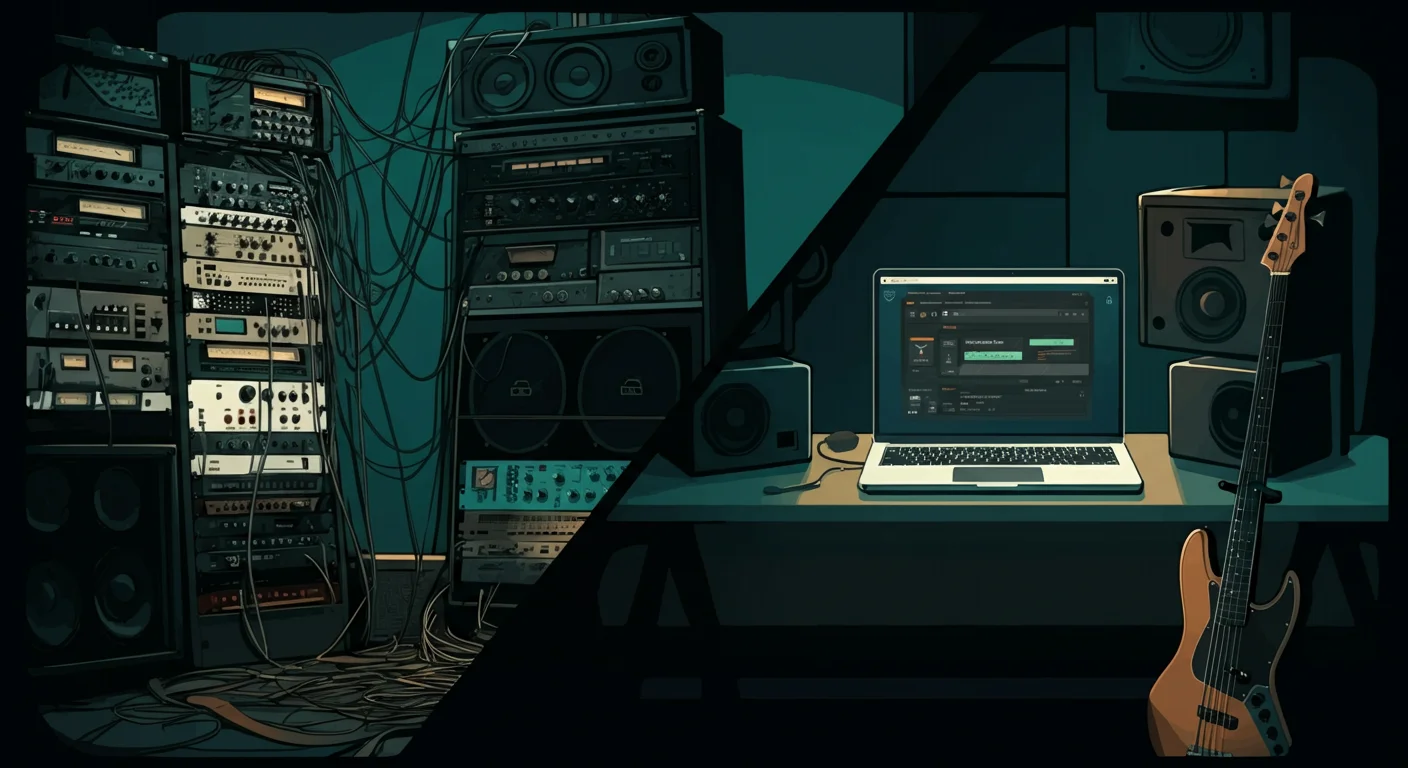
So I did the thing software people do when a physical process is expensive: I captured it once, properly, and turned it into code.
Capture once, replay forever
Earlier this month I spent a studio block at Small Pond recording bass through the full works: a multi-amp, multi-cab, multi-mic chain, tracked through their Neve 8108 console. The session was for a record, but the plan was always double-duty. Every signal was captured cleanly enough to model afterwards, and once you have the chain captured, you can replay it forever.
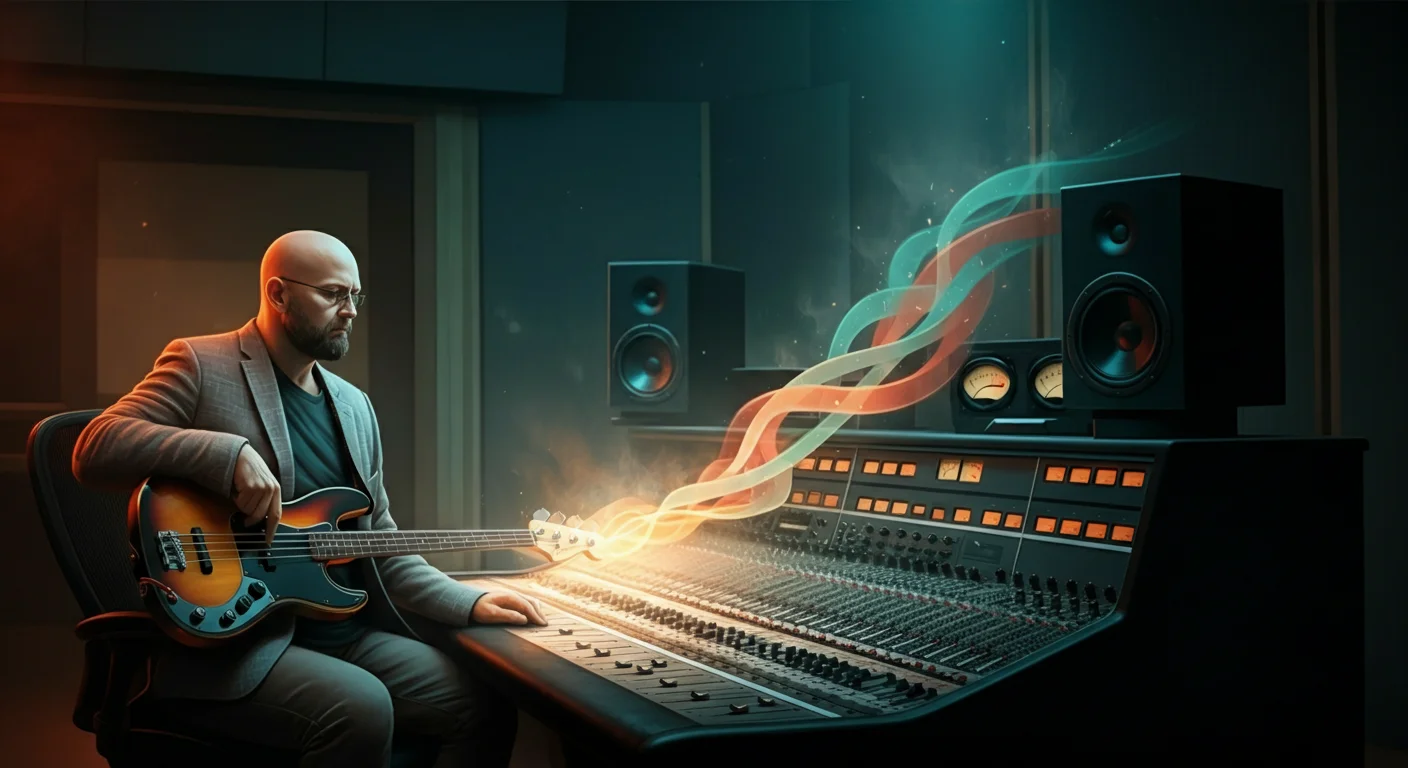
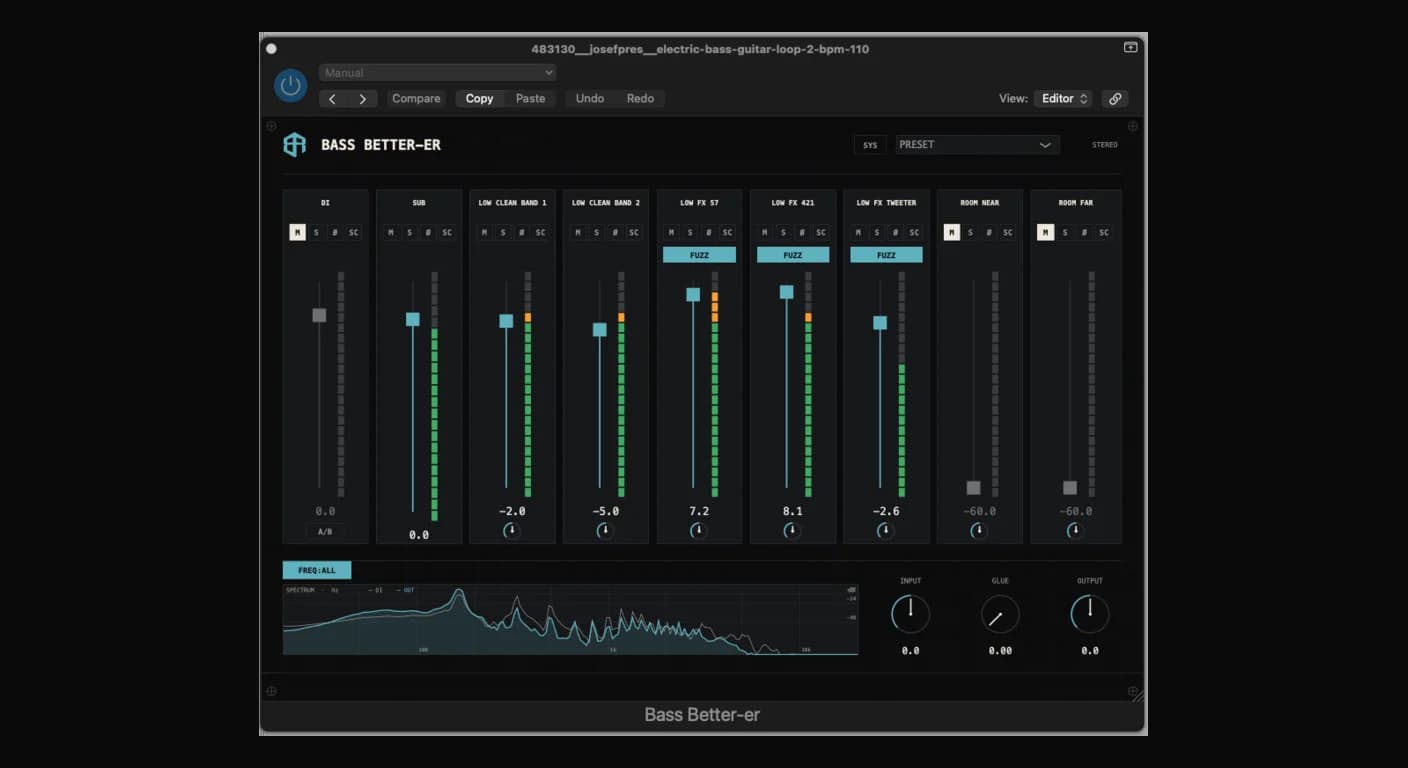
Bass Better-er is that chain, bottled. Drop it on a DI and it splits the signal into parallel frequency-role layers: a clean sub foundation that stays dead centre, a clean body layer for warmth, a driven dirt layer with switchable fuzz, and room ambience around the whole thing. It then glues them back into one apparent instrument. The lows stay mono and centred; the stereo image widens as it climbs. It holds together on a phone speaker and opens up on a big system.
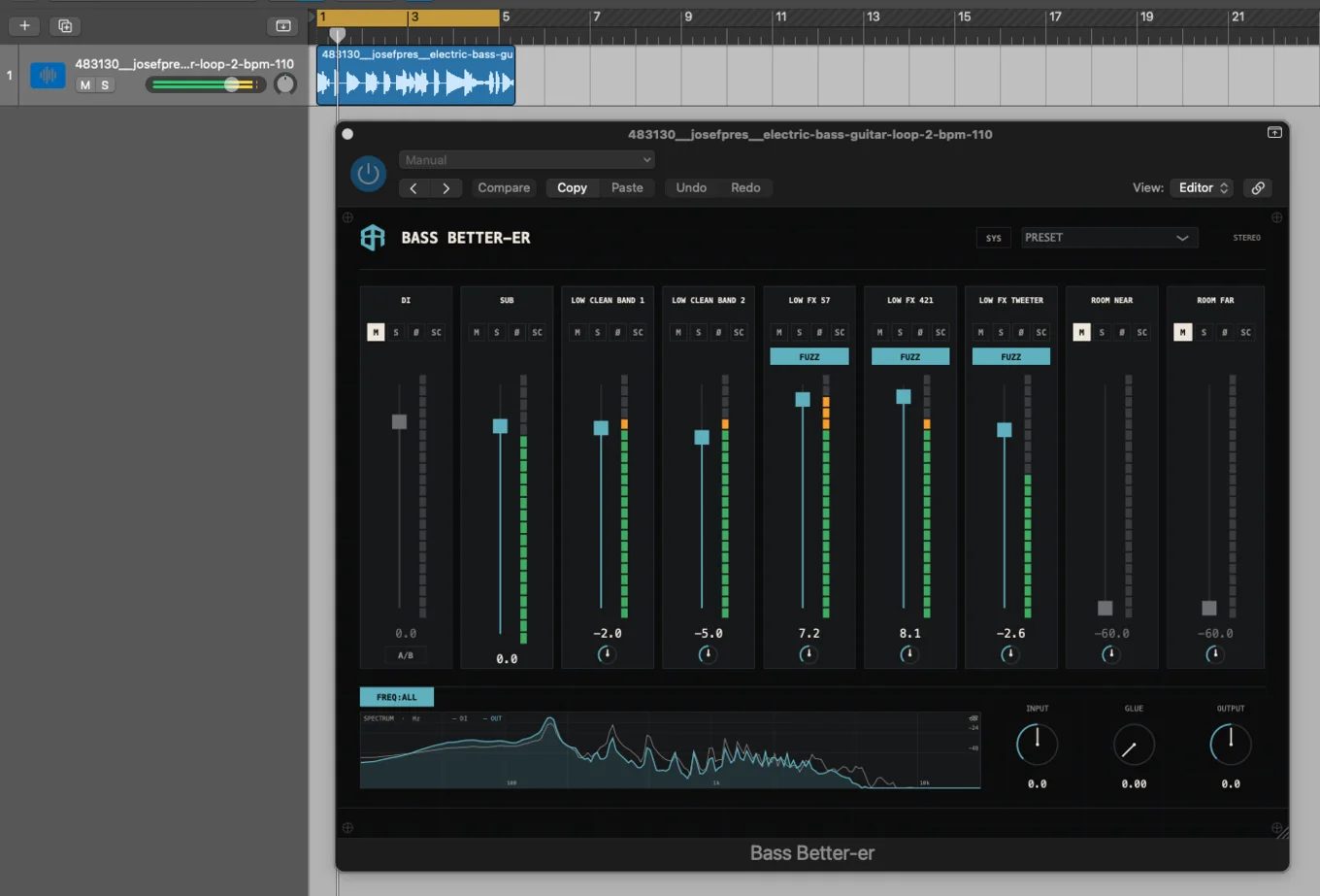
Each layer is voiced from a measured impulse response of the real signal chain, convolved live, with its own channel strip: gain, mute, solo, pan, phase, and a sidechain duck keyed off the dirt layer. When the fuzz hits, anything you arm (even the sub) politely steps aside and lets the grit cut through.
Here it is doing exactly that to a raw DI loop. Turn the sound on: the before and after is the whole argument.
First, interrogate the desk
The software brain earned its keep before a single note was tracked.
A 1980s Neve 8108 is a glorious thing, but it's also a forty-odd-year-old analogue device with twenty-four channels that have each lived their own life. Channels drift. Components age. If you're about to commit a multi-mic session to it (including hard-panned stereo pairs, where channel matching actually matters), "plug in anywhere and hope" is not a strategy.
So before tracking, I characterised the desk. The method is the audio equivalent of a health check you'd run on a server fleet:
- Pink noise, routed through one channel at a time at unity: EQ flat, filters off, identical gain staging on every channel.
- ~60 seconds captured per channel, ends trimmed.
- Every capture run through my signal-chain-analyser and compared on level-independent metrics only: band-energy ratios, spectral centroid, crest factor, spectral flatness, harmonic ratio, inharmonicity. Absolute level tells you about gain staging; these tell you about character.
Findings: channels 1 to 20 captured cleanly, channels 21 to 24 returned no signal at all (tested, documented, and excluded from the session). The twenty live channels clustered tightly (the desk is in genuinely good nick) with one clear outlier. Channel 4 was the brightest on the desk, with the highest spectral flatness and the lowest crest factor: the fingerprint of a channel that's gently saturating and compressing transients all by itself.
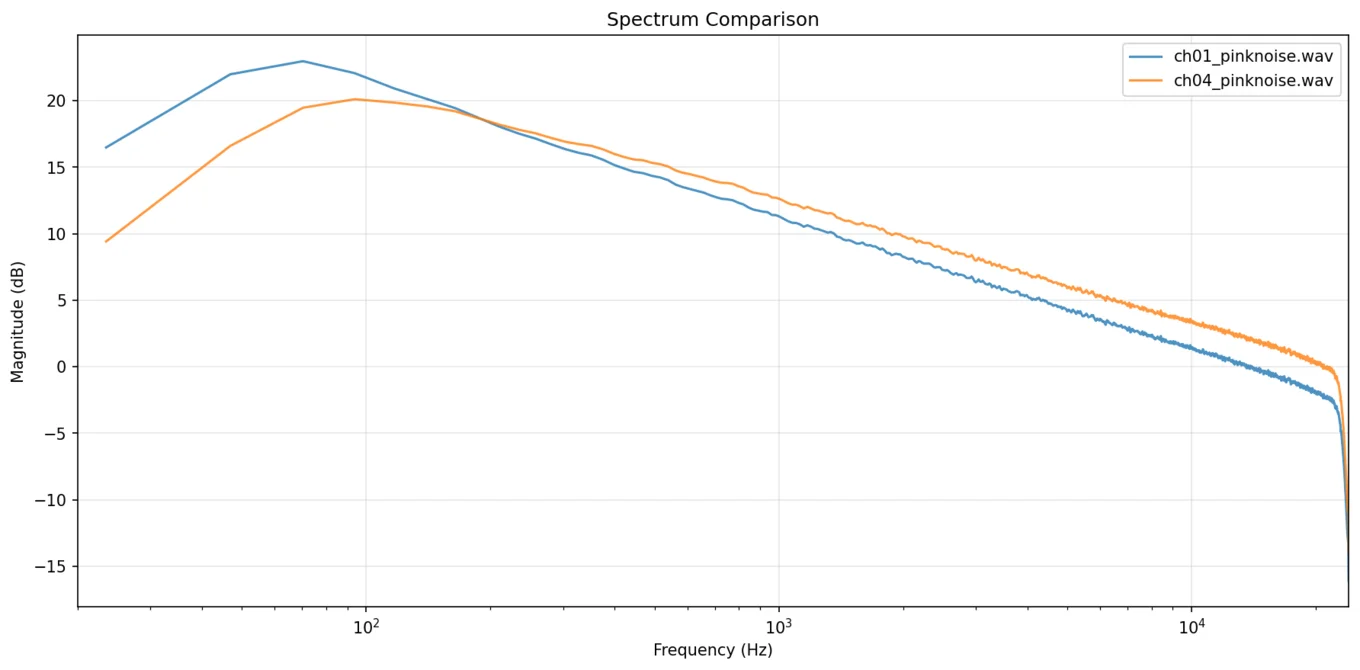
On a server fleet you'd cordon that node off. On a recording desk you do the opposite. The deliberately driven dirt layers were assigned to the most saturated channels on purpose: free analogue attitude, exactly where it was wanted. The DI went to the cleanest, most neutral channel on the desk, where any colouration would be most audible. The stereo pairs went to the channels the maths said were near-identical twins; the tightest pair on the desk differed by a distance score of just 0.64.
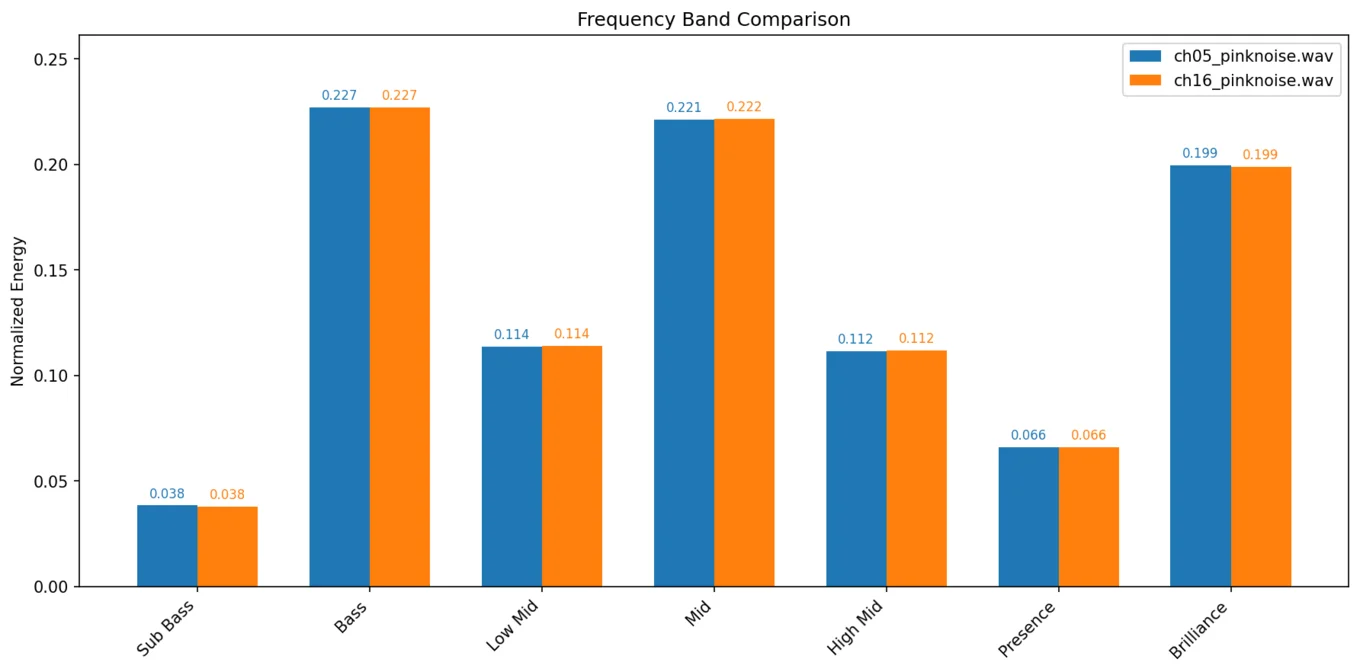
A mismatched hard-panned pair is the kind of defect that hides until mixdown, when it's expensive to fix. Twenty minutes of pink noise and some feature extraction turned every channel assignment from a guess into a measured decision. The writeup went to the studio as documentation for their own desk.
Deconvolve, distort, reconvolve
Turning the captures into a plugin was its own education, paid for in iterations. The lessons that survived:
- Distortion goes before the cab. Deconvolve the measured cab response out of the signal, apply the drive, then re-apply the real cab impulse response. The cab is what turns harsh harmonics into musical complexity; clip after it and you just get fizz.
- Real fuzz is inter-harmonic grit and low-mid body. That is what actually reads as aggression, and the obvious summary statistics (crest factor, spectral centroid) are useless for calibrating it.
- Oversample every clipper. 4×, or you bake aliased digital hash into the top end and wonder why it sounds like a dying modem.
- Fit each microphone chain to its own recordings. Copying one chain's drive settings to another simply doesn't transfer; every capture got fitted against the real recording of itself.
- The meter gets you to 90%. The ear closes the last 10%. I verified the final voicings by measurement and by ear, and the ear overruled the numbers more than once.
The result I could actually verify: running a DI through the plugin's combined impulse responses and comparing against the offline reference engine gives a spectral correlation of 0.9995 to 0.9998. The real-time plugin is, measurably, the studio chain.
The plugin itself is C++20 on JUCE 8: AU, VST3, and standalone, with a lock-free audio thread, convolution and fuzz stages per layer, and a glue compressor on the sum. The proprietary impulse responses ship only inside the compiled binaries and live encrypted in the repo, because the captures are the product of all that studio time.
Free, beta, and listening
Bass Better-er is in open beta and free to download for macOS, Windows, and Linux from the releases page. If it makes your bass sound better, there's a tip jar that funds development and the tools coming after it. The launch threads on TalkBass and Reddit are live, the first bug reports rolled in within hours, and the first fixes shipped the same day.
Bridging the two disciplines has been the most satisfying project I've shipped in a while. The same week of studio time produced a record, a dataset, a measurement report the studio kept, and a public plugin. There are more tools coming from the same captures.